Thank you very much for the great advice!
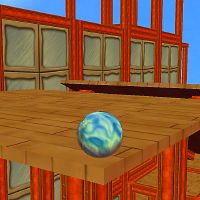
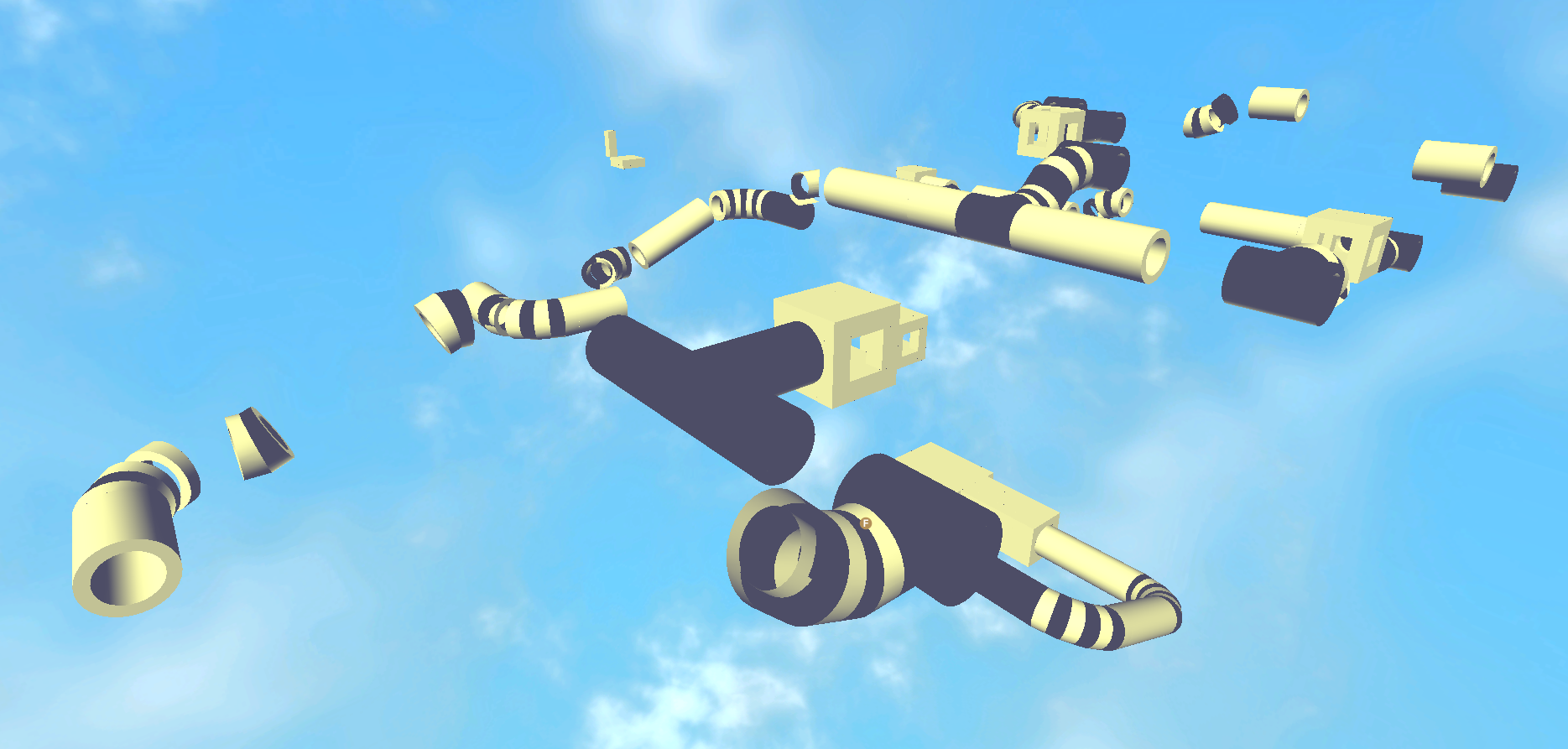
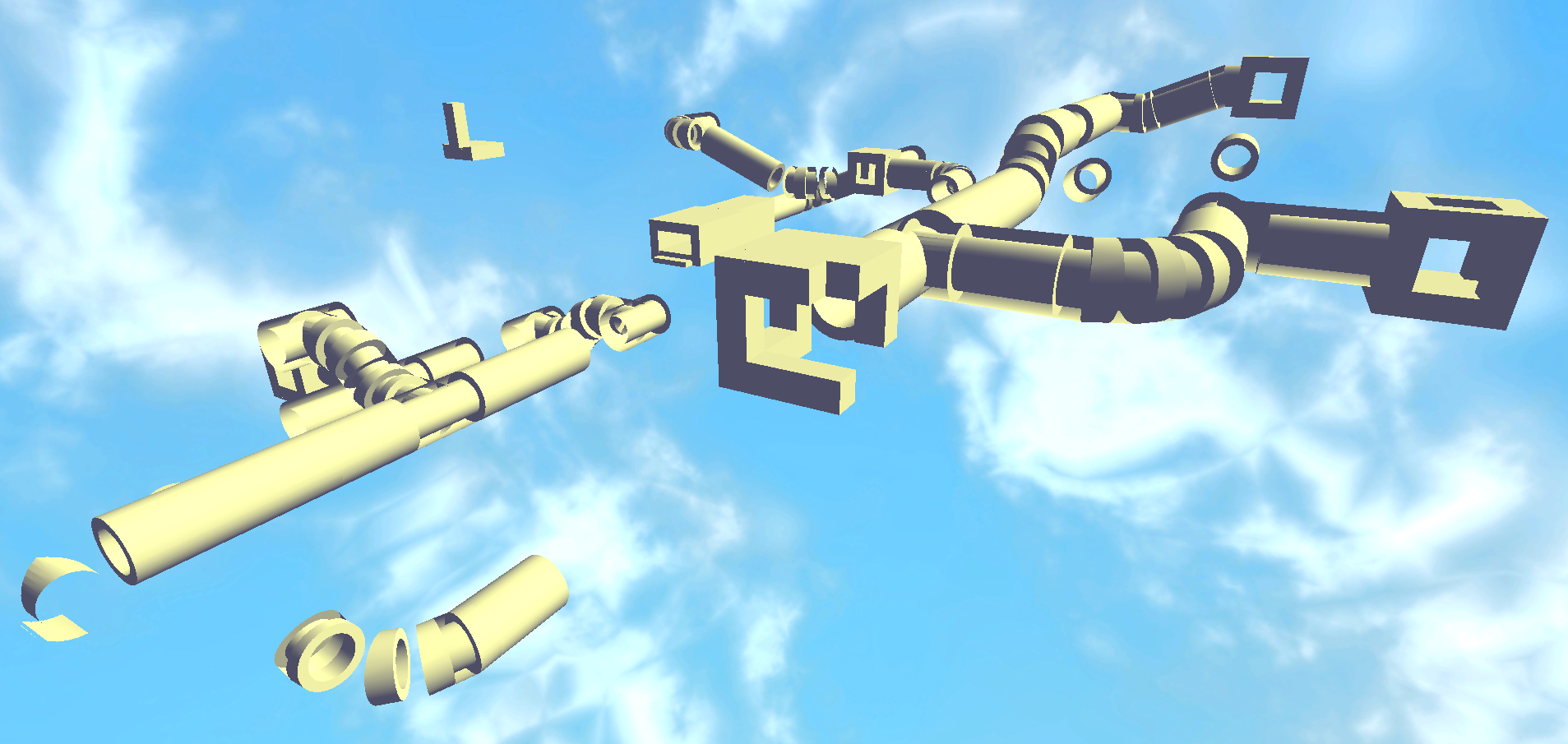
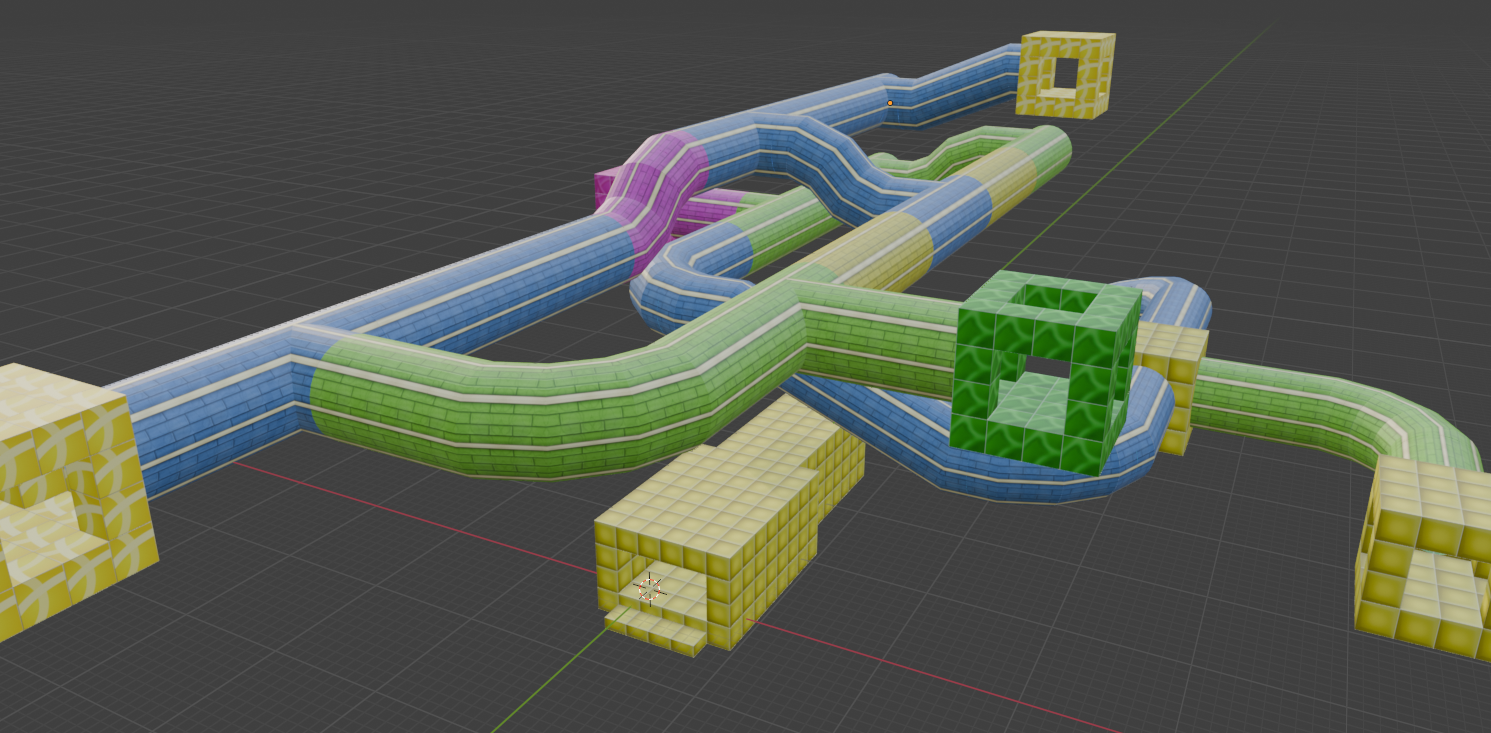
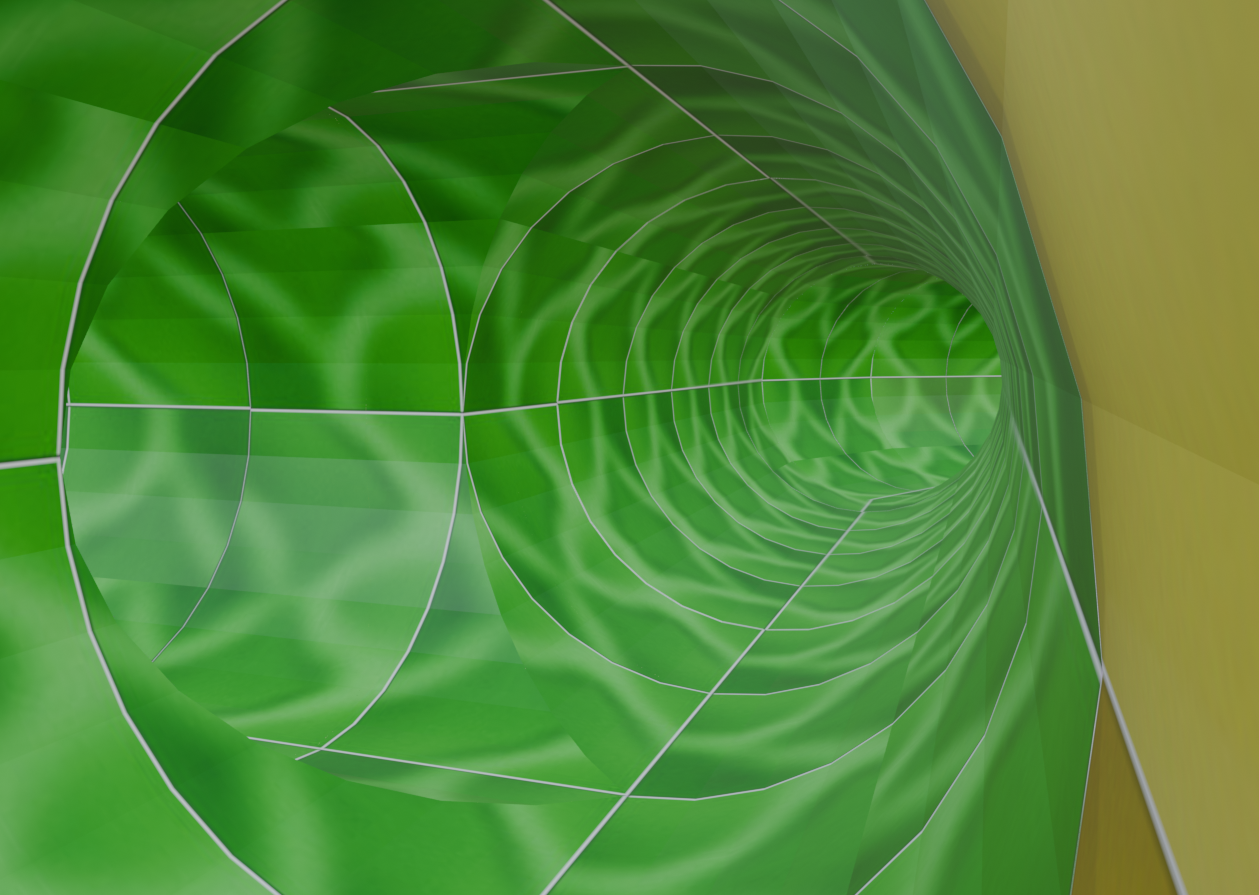
With the old and new exporters, I changed the BSP Setting to "none" and it successfully completed exporting. This time, it broke it down into separate .dif files, in which my understanding is that it's supposed to do that if it cannot export it all into one file. When I add the interior in the level editor, all the platforms appear as solid white, (shown the first two attachments) but I think this may be a different issue regarding which folders each file is stored. I also checked the "flip normals" box and the "double faces" box (as for what it said on the site where I downloaded the latest update of the file exporter).
The only issue I am facing now, is that some tube parts on the curves may be missing and the interior appears as a solid white colour in level editor. I think there's something I am not doing correctly here. I suspect it might have something to do with where I put the new updated file exporter. I didn't know where to put the new exporter folder, so I just kept it in the downloads>io_dif-master>blender_plugin folder directory for now.
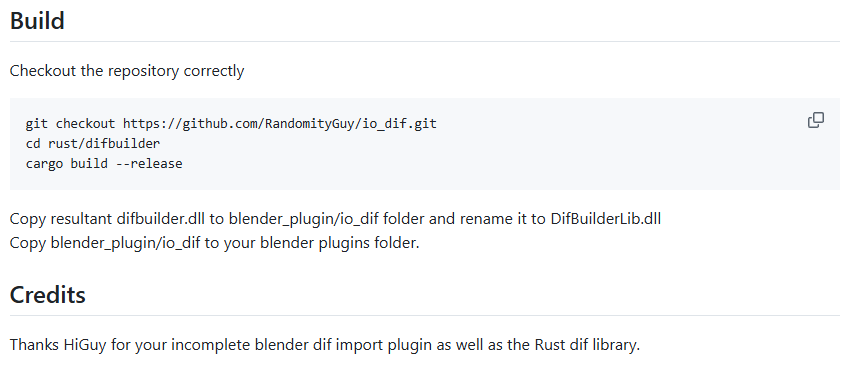
Shown in the last attachment, I also read on the site that has the new updated file exporter that says to "copy the resultant difbuilder.dll to blender_plugin/io_dif folder and rename it to DifBuilderLib.dll" and to "copy blender_plugin/io_dif to your blender plugins folder". What would be the best thing to do if I cannot find the difbulider.dll file?
Again, I think the issue is that I am probably putting files or exporters in the wrong folder location. I'm just not sure which folder I should put the new exporter. I am currently putting my .blend files and .dif files in the PlatinumQuest>platinum>data>interiors_pq>Custom>Blender Levels folder.
Lastly, previous levels I exported from Blender to the level editor had the textures showing up perfectly, which also had its hitbox, but for some reason the textures are not showing up for the tube structure. I have both level .blend and .dif files in the same folder, and I don't have any texture .png or .jpeg files in that folder. The texture .png and .jpeg files are in the interiors_pq folder instead.
I hope this information helps describe what exactly is going on, but if you have any questions or suggestions, please let me know.